 Weblyzer
Uncover frameworks, CMS platforms, DNS records, and security headers behind any website with a single click. Fast, lightweight, and completely private.
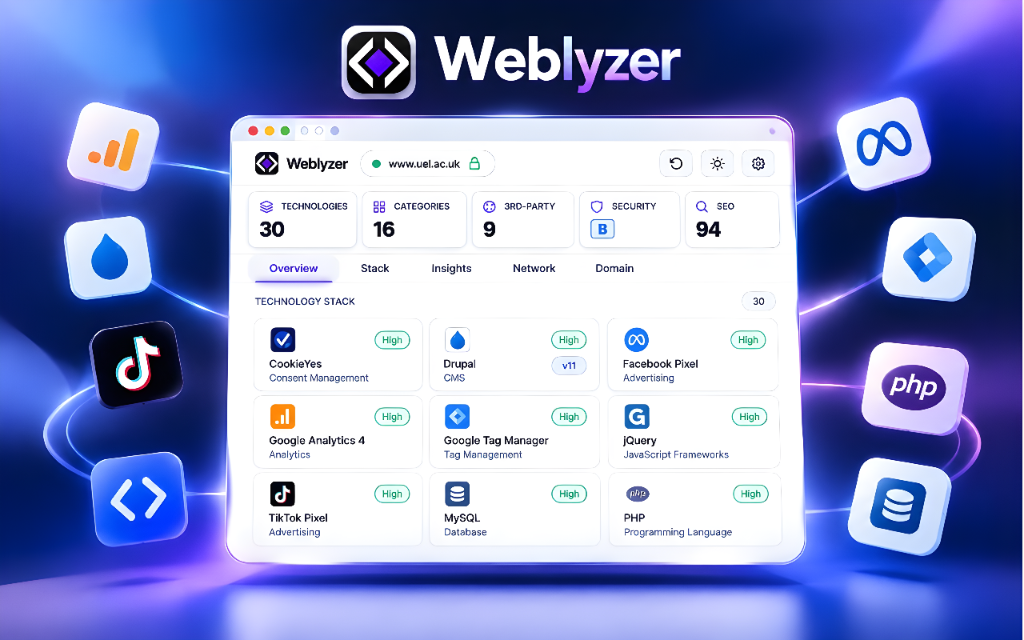
No registration, no API keys, and zero cloud round-trips. Weblyzer runs directly inside your browser tab.
Add Weblyzer to Chrome, Edge, or Brave directly from the Chrome Web Store. It is lightweight, fast, and loads unpacked in seconds.
Browse to any website and open Weblyzer. The local engine analyzes HTTP response headers, DOM markers, and JavaScript runtimes immediately.
Review the complete tech stack, verify DNS records, audit security headers, and copy or download structured JSON and CSV reports.
Explore how Weblyzer brings technology detection, DNS records, security posture, and network telemetry together in one unified view.
Instant multi-signal detection across 30+ technologies and 16 categories on the active page. Displays verified confidence ratings, framework versions, CMS engines, and advertising tags.
 Install on Chrome
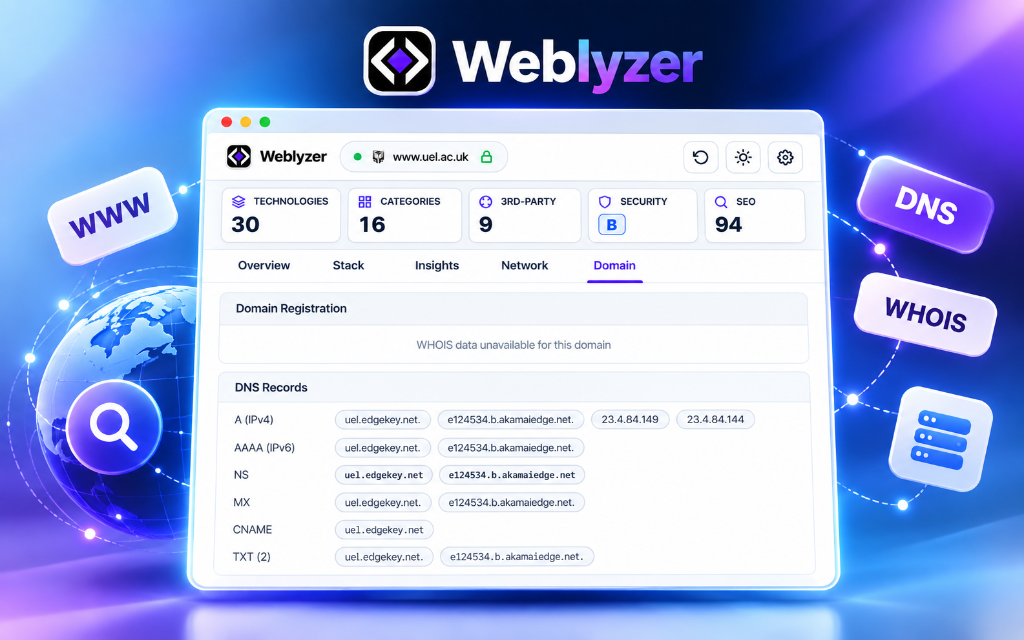
Query A, AAAA, NS, MX, CNAME, and TXT records via local DoH without leaving the page.
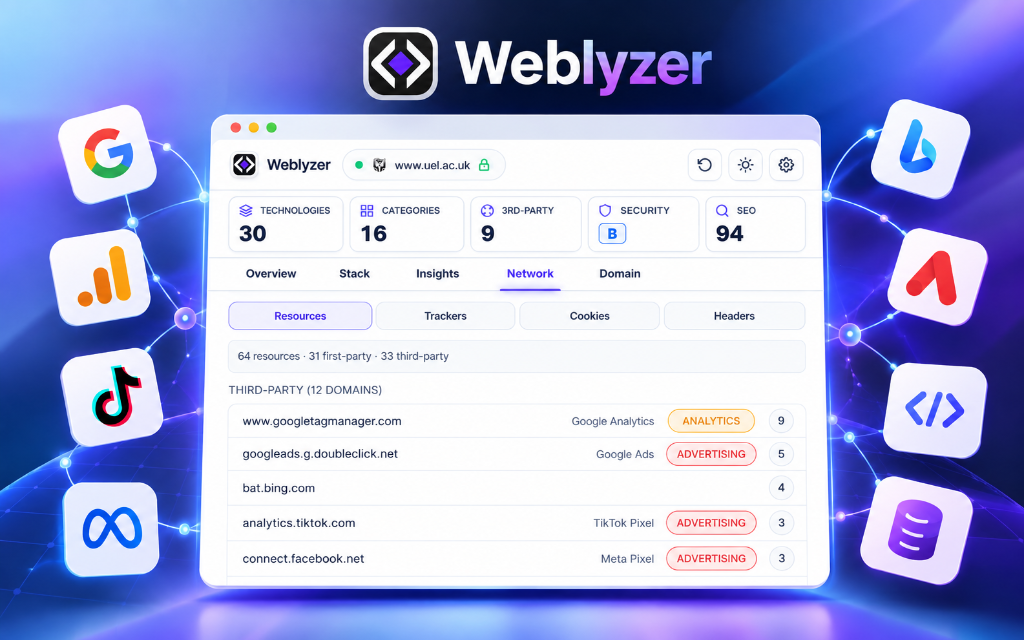
Inspect marketing pixels, tracking scripts, GTM tags, and separate external dependencies.
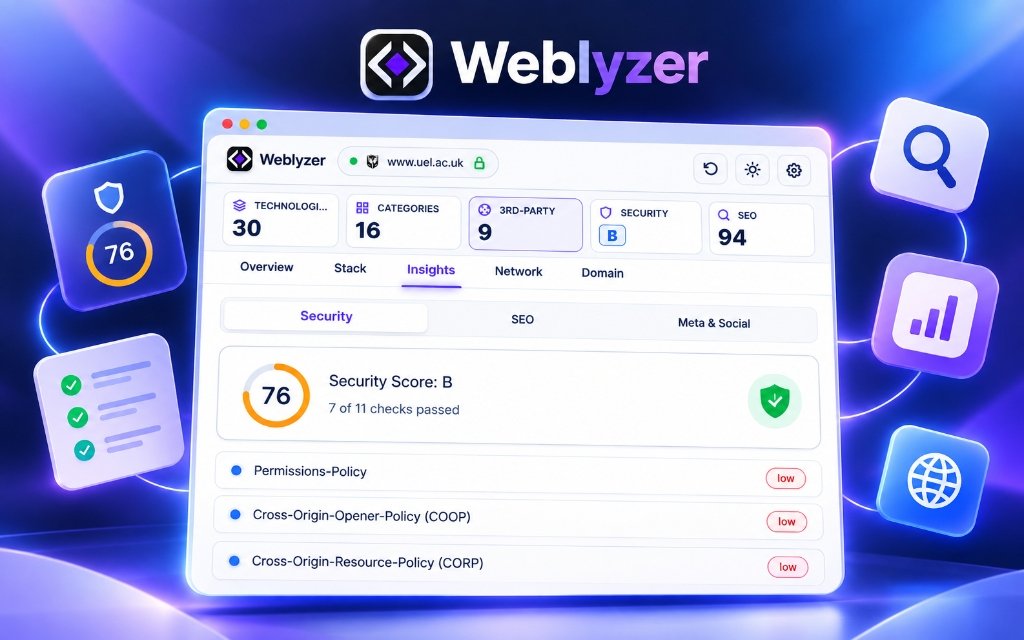
Evaluate HSTS preloading, Permissions-Policy, COOP, and CORP headers with an automated score.
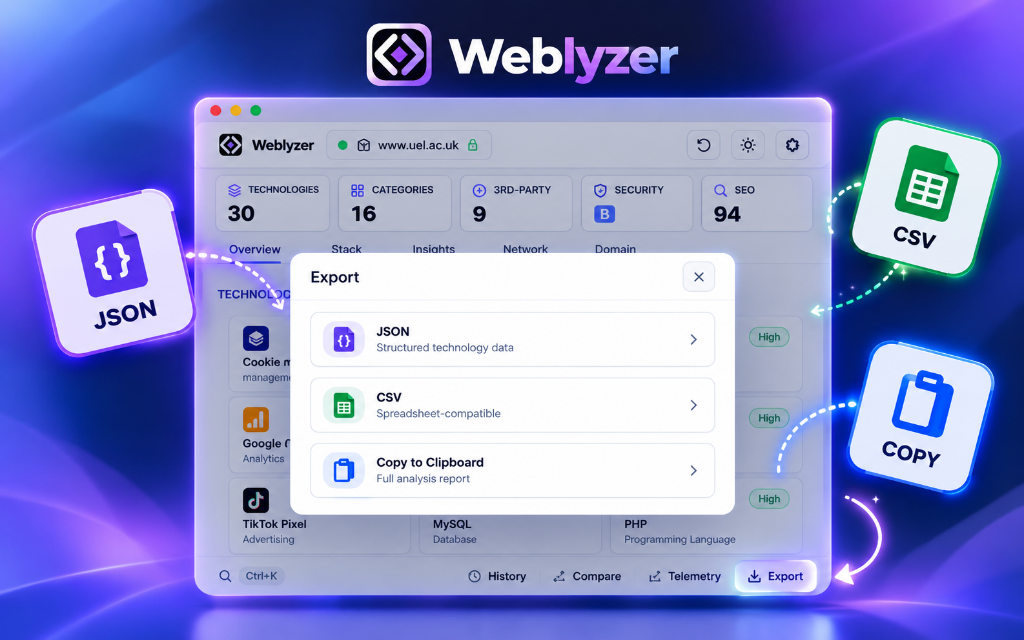
Export detected technologies, server configurations, and DNS data directly to spreadsheet or JSON.
Understand how Weblyzer delivers accurate website analysis without guessing.
Weblyzer weights evidence across 6 distinct signals: HTTP headers (+45), JS globals (+40), script URLs (+35), DOM selectors (+30), meta tags (+25), and cookies (+20). Signals compound for high confidence and zero false alarms.
Using secure DNS-over-HTTPS (DoH), Weblyzer resolves A, AAAA, MX, TXT, and NS records directly inside your tab, alongside SSL certificates, registrar creation dates, and reverse IP info.
Automatically audit HSTS preloading, Content Security Policy (CSP), X-Frame-Options, and cookie security flags. Third-party marketing trackers and CMPs (OneTrust, Cookiebot) are isolated from core code.
Need support, have feedback, or want to suggest a new technology fingerprint? Reach out directly or leave a review on the Chrome Web Store.
Add to Chrome — Web Store